Targeted sessions at home
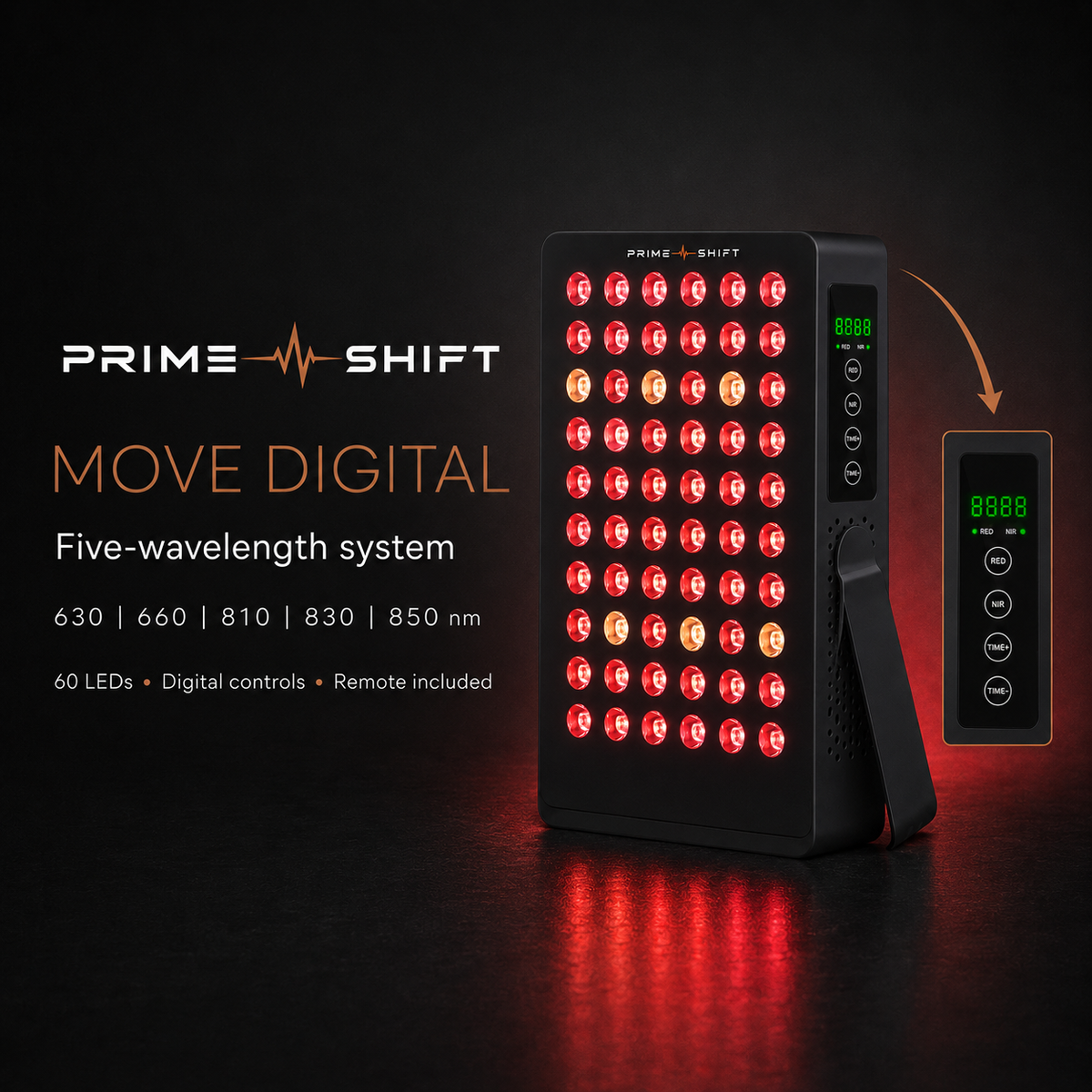
Move Digital
60 LEDs · 5 wavelengths · tabletop stand
£269.00£379.00
Save £110.00
View this model →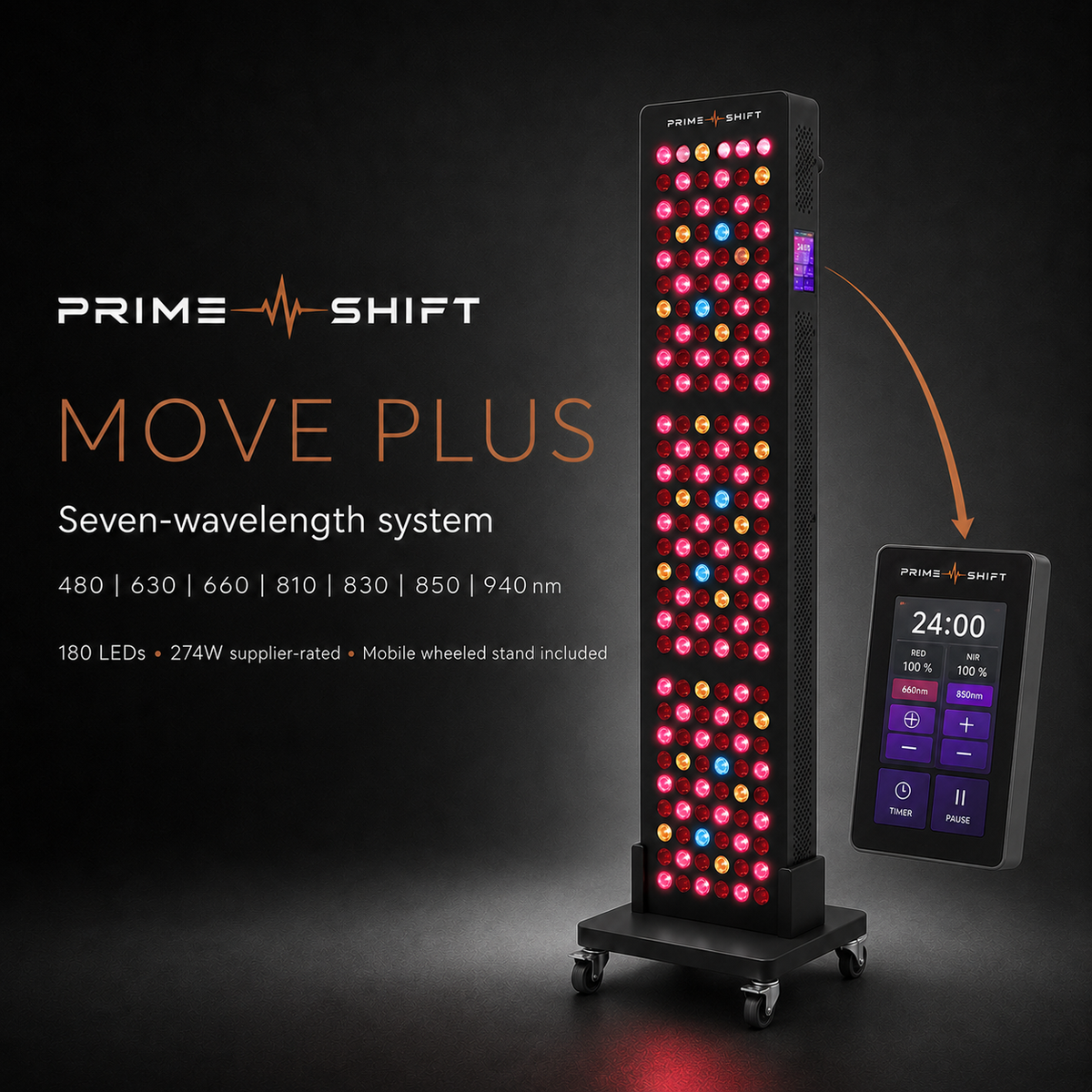



Target a larger area in one session
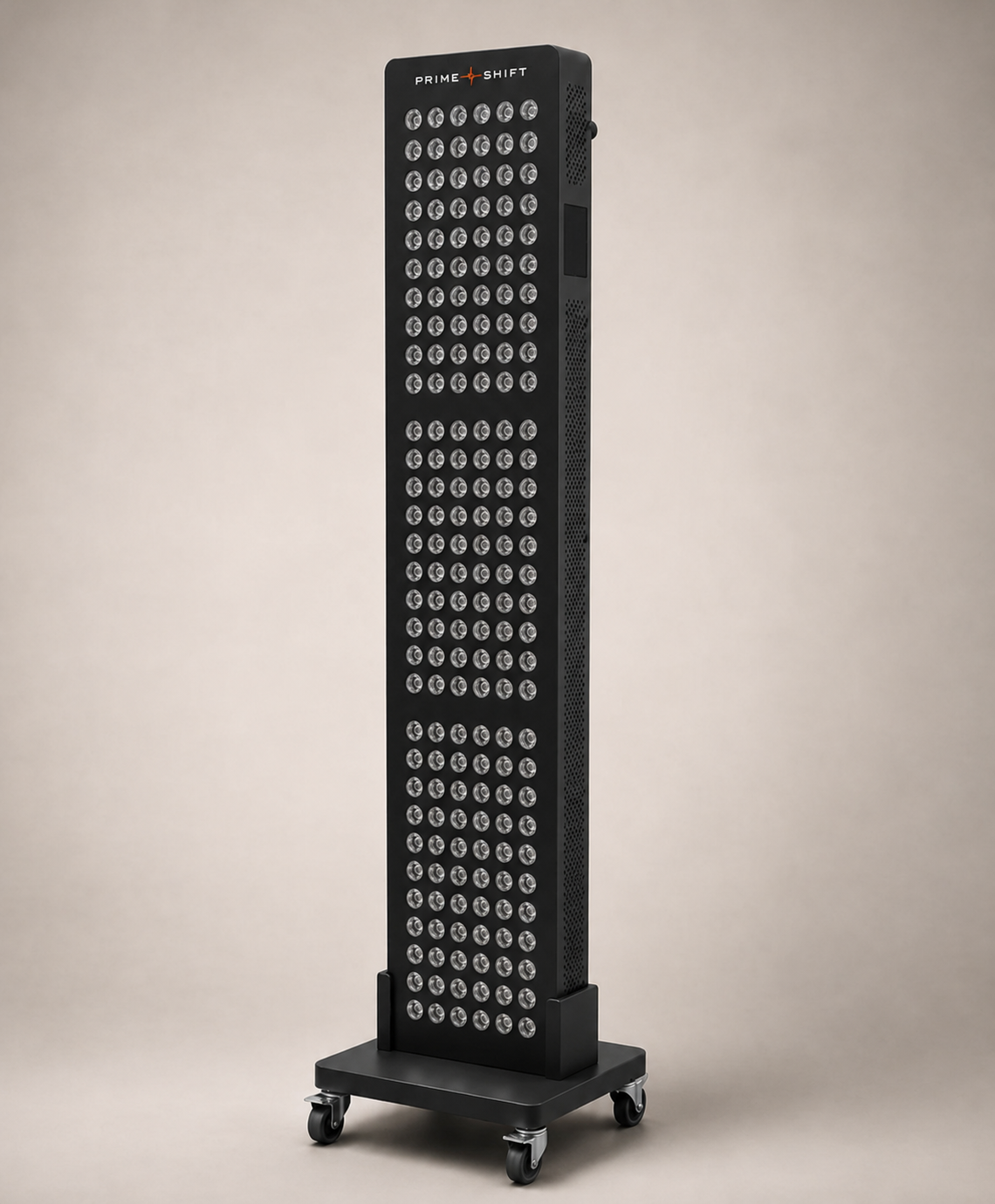
Wheel the panel into place after your workout.
Education Hub + 30-Day Journey included
Compare Digital, Plus & Pro →MOVE Plus — Make more room for your wellbeing.
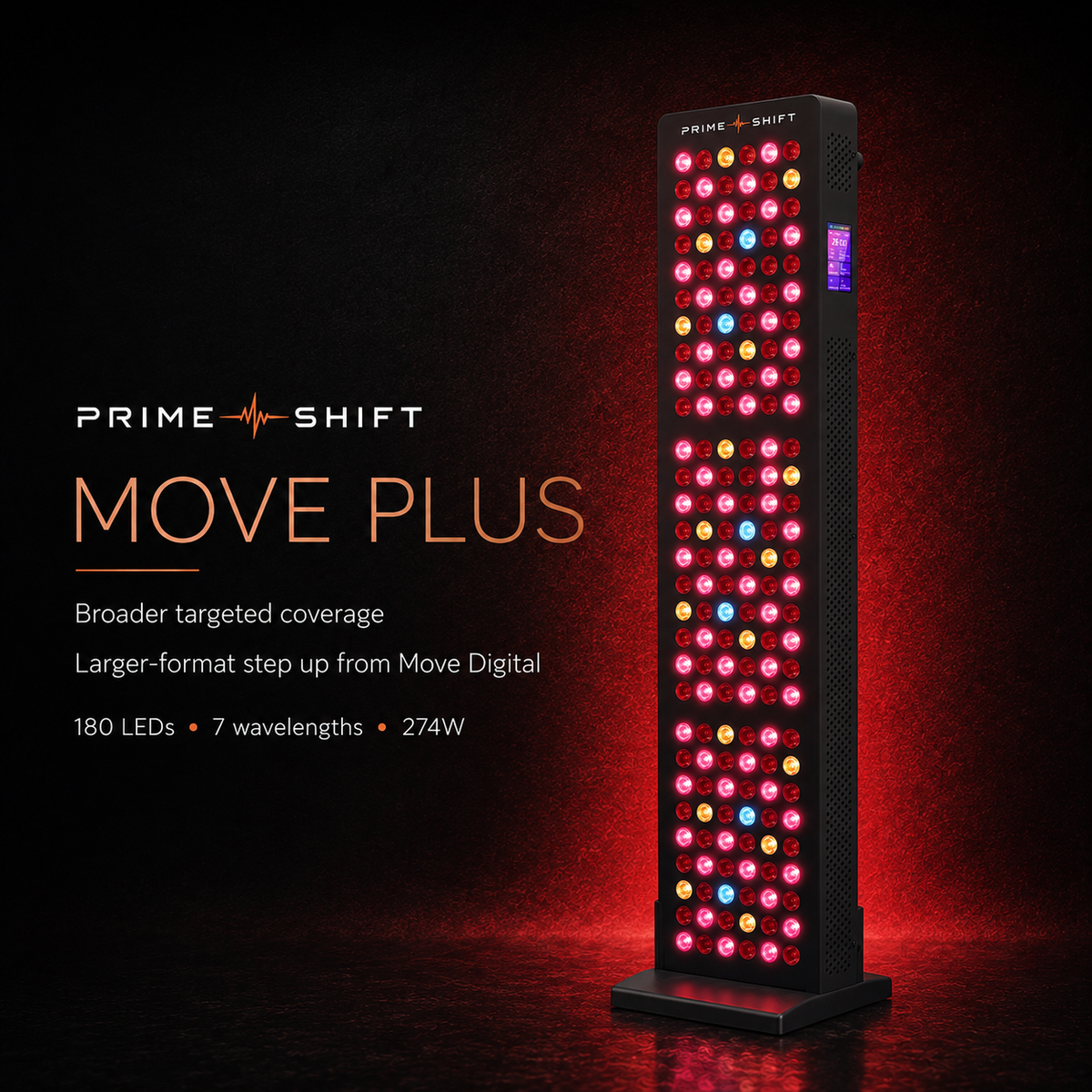
Take your daily light therapy beyond targeted sessions. MOVE Plus brings red and near-infrared light into your home with 180 LEDs and broader coverage than MOVE Digital, in a slimmer panel than MOVE Pro.
Make time to care for the appearance of your skin, support recovery after exercise and build a wellbeing routine that feels like your own. The wheeled stand lets you bring your sessions to the space that suits you.
More coverage for your daily routine. Find your FLOW.
MOVE Plus is best for men who want broader light coverage than a compact tabletop panel, with the flexibility to reposition the panel at home.
Supplier-rated electrical power and irradiance are different measurements. Electrical wattage does not establish optical output or a health outcome. Supplier ratings are not independent test results.
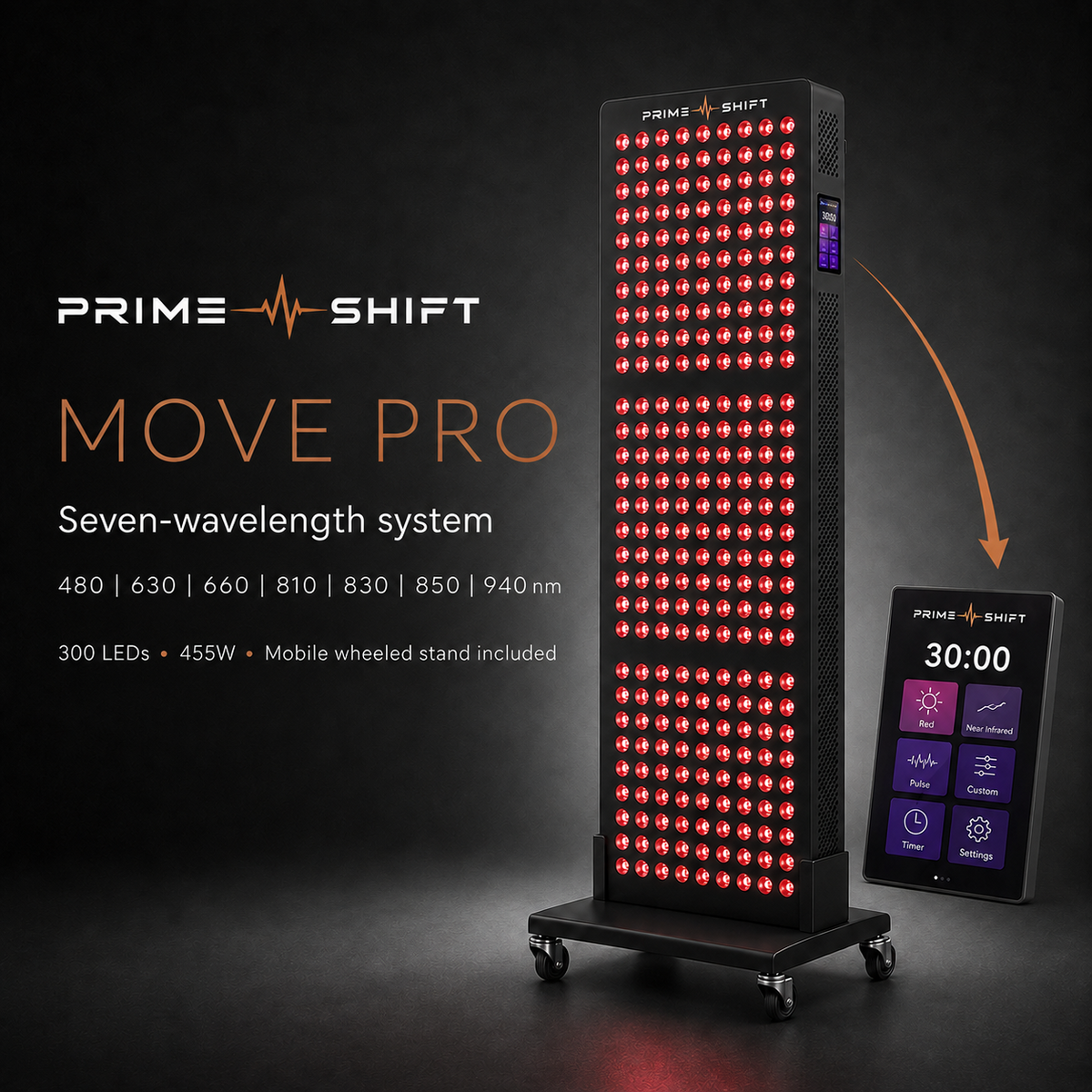
MOVE Plus and MOVE Pro have the same 910 mm cabinet height. Plus is 195 mm wide; Pro is 298 mm wide. Choose MOVE Digital for a compact tabletop format, or compare the MOVE range.
Tracking details will be sent after dispatch. Read our delivery and returns information, including separate fulfilment for mixed orders. For estimated arrival timing, contact Prime Shift before ordering.
This is not a 30-day use-and-return trial. For our additional days 15–30 offer, goods must be unused, complete and in their original packaging. You pay change-of-mind return postage. This does not restrict your statutory cancellation rights: for eligible online purchases, you can notify us within 14 days of delivery and return the goods within a further 14 days; you may inspect them as you would in a shop. Prime Shift covers reasonable return costs for faulty or incorrectly supplied goods. Read the full returns and refund policy.
Prime Shift MOVE Plus includes the advertised two-year limited warranty. For a warranty claim or a copy of the terms, email james@myprimeshift.co.uk with your order reference and a description of the problem. The warranty is additional to your statutory rights; those rights are not limited to two years.
Prime Shift Move is intended for general wellbeing and routine use. It is not intended to diagnose, treat, cure or prevent any medical condition. Supplier-rated output figures depend on the stated distance and test conditions. Always follow the instructions supplied with your exact model.
60 LEDs · 5 wavelengths · tabletop stand

180 LEDs · 7 wavelengths · wheeled stand

300 LEDs · 7 wavelengths · wheeled base
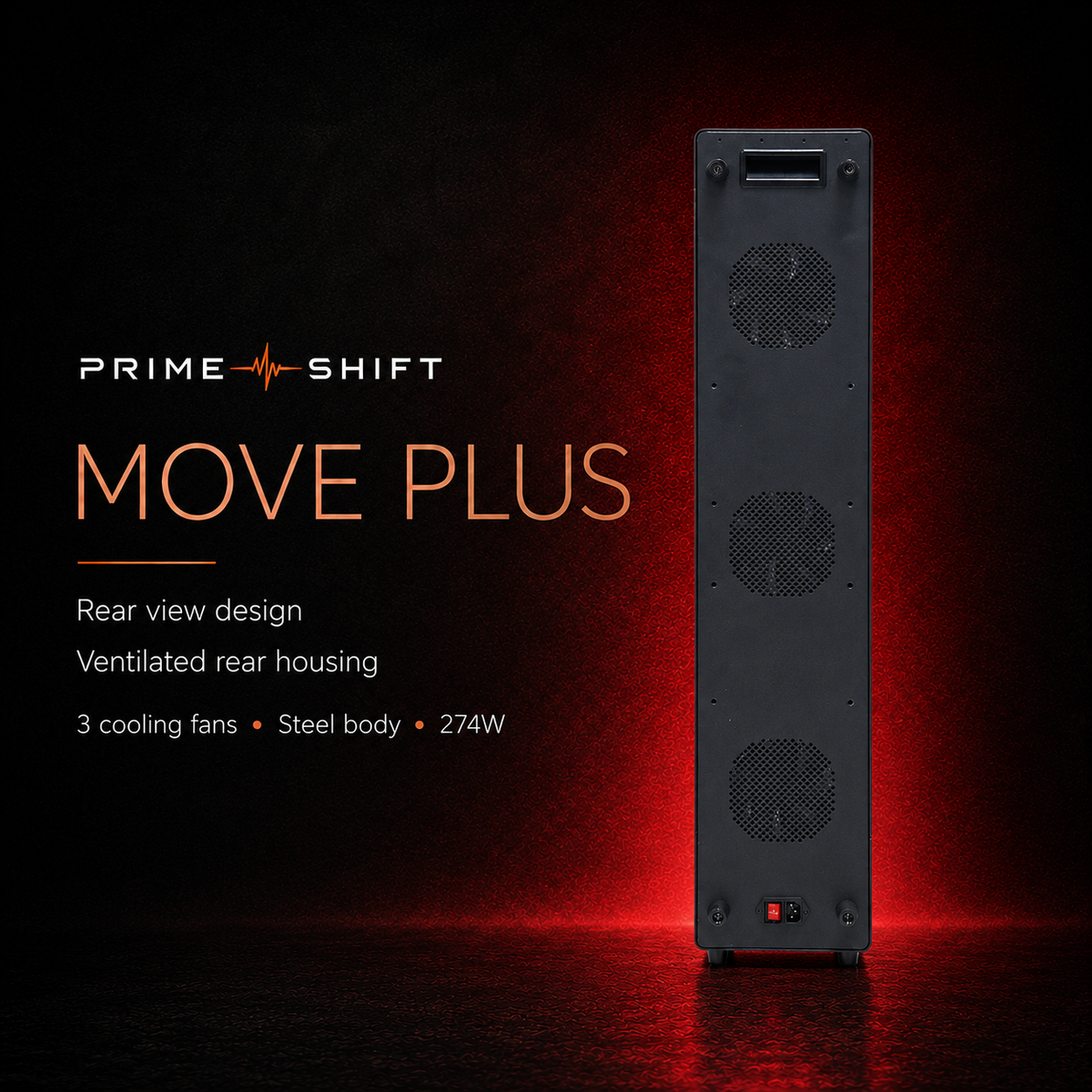
The MOVE Plus panel cabinet measures 910 mm high, 195 mm wide and 60 mm deep, excluding the stand. Plus and Pro have the same cabinet height; Pro is wider. Allow additional floor space for the wheeled stand and keep the ventilation openings clear. The cabinet measurements are not the stand footprint.
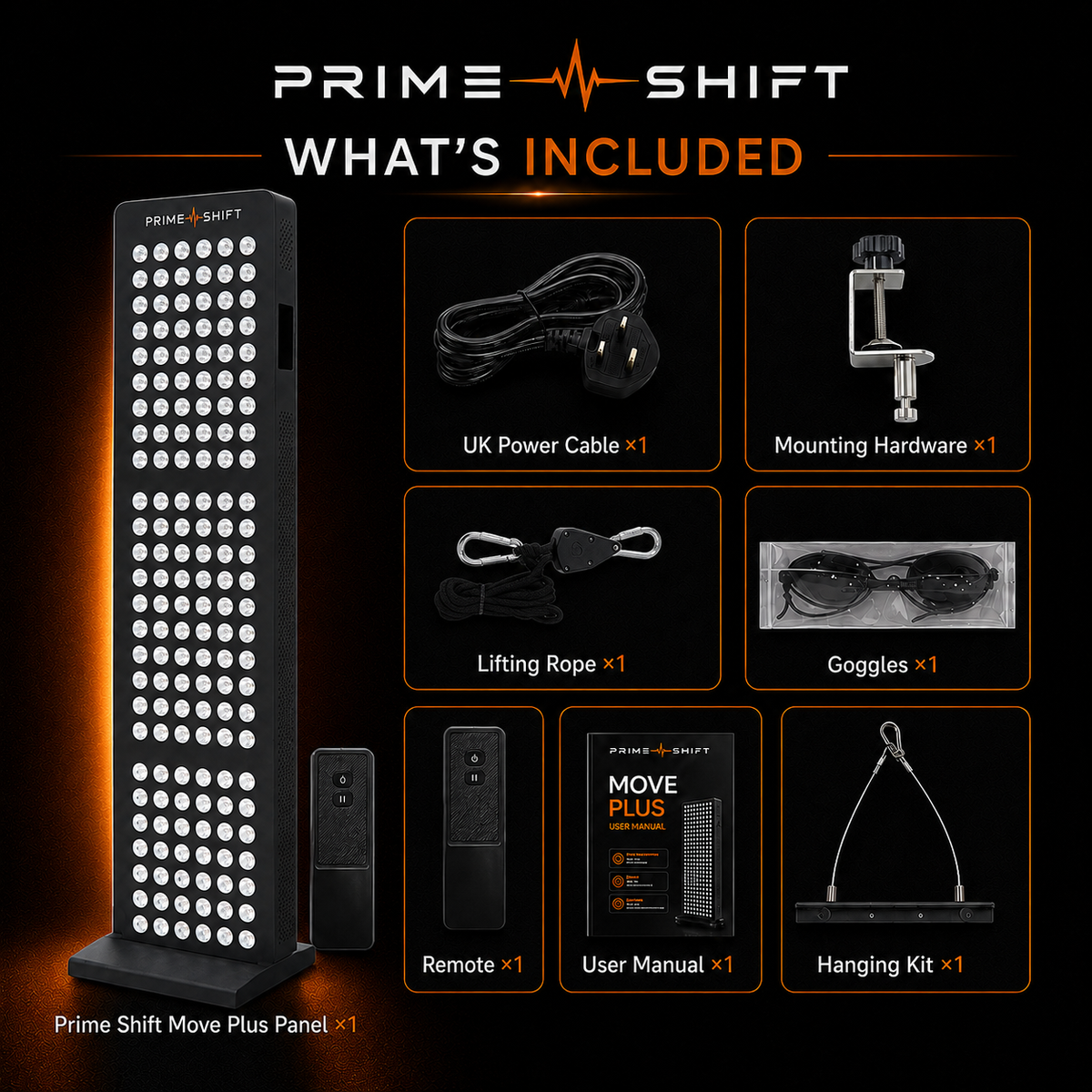
Secure the panel to the assembled stand on a dry, level floor and check that the wheels are stationary. Connect the supplied power cable, switch on, then choose the light mode, brightness and timer. Once your positioning and eye protection are ready, tap Start / Pause to start the light; tap it again to pause.
Yes. The touchscreen provides Red, NIR and Blue channel selection, a dimmer, timer and pulse controls. Adjust brightness with the slider or the plus/minus controls. The custom-mode menu lets you save settings for later use. The timer range is 1–30 minutes; its maximum is not a recommended session length.
Switch off, unplug and allow the panel to cool before cleaning or moving it. Use a soft, dry cloth; do not use water, harsh chemicals or abrasive polish. Keep the panel indoors, away from damp areas and heat sources, and leave its ventilation openings clear.
Your MOVE panel and LOOK skincare may arrive in separate parcels because skincare is fulfilled separately. Tracking details are sent when each order is dispatched. For MOVE Plus and Pro, contact james@myprimeshift.co.uk before ordering to confirm the current model-specific delivery window.
Contact james@myprimeshift.co.uk with your order number and the product concerned so we can explain the next steps. Eligible MOVE panel and LOOK skincare returns are handled by Prime Shift at 15 Noke Shot, Harpenden, AL5 5HW, United Kingdom. Contact us for return instructions before posting. For a damaged or incorrect item, include photographs where possible to help us resolve the problem. Keep the packaging and supplied accessories where possible while your request is being resolved.
This product has no reviews yet.